

Pen, highlighter, eraser, text
Seven preset colours, a custom colour picker and four thicknesses.
From class notes to daily plans, from budgets to recipes: one app for writing by hand, marking up PDFs and building geometry live.


Seven preset colours, a custom colour picker and four thicknesses.

Pause at the end of a stroke: it becomes a straight line, arc or arrow.

Copy, cut and paste objects and figures between pages.

16:9 landscape, 9:16 portrait, A4 landscape and portrait; blank, dotted, lined or squared.

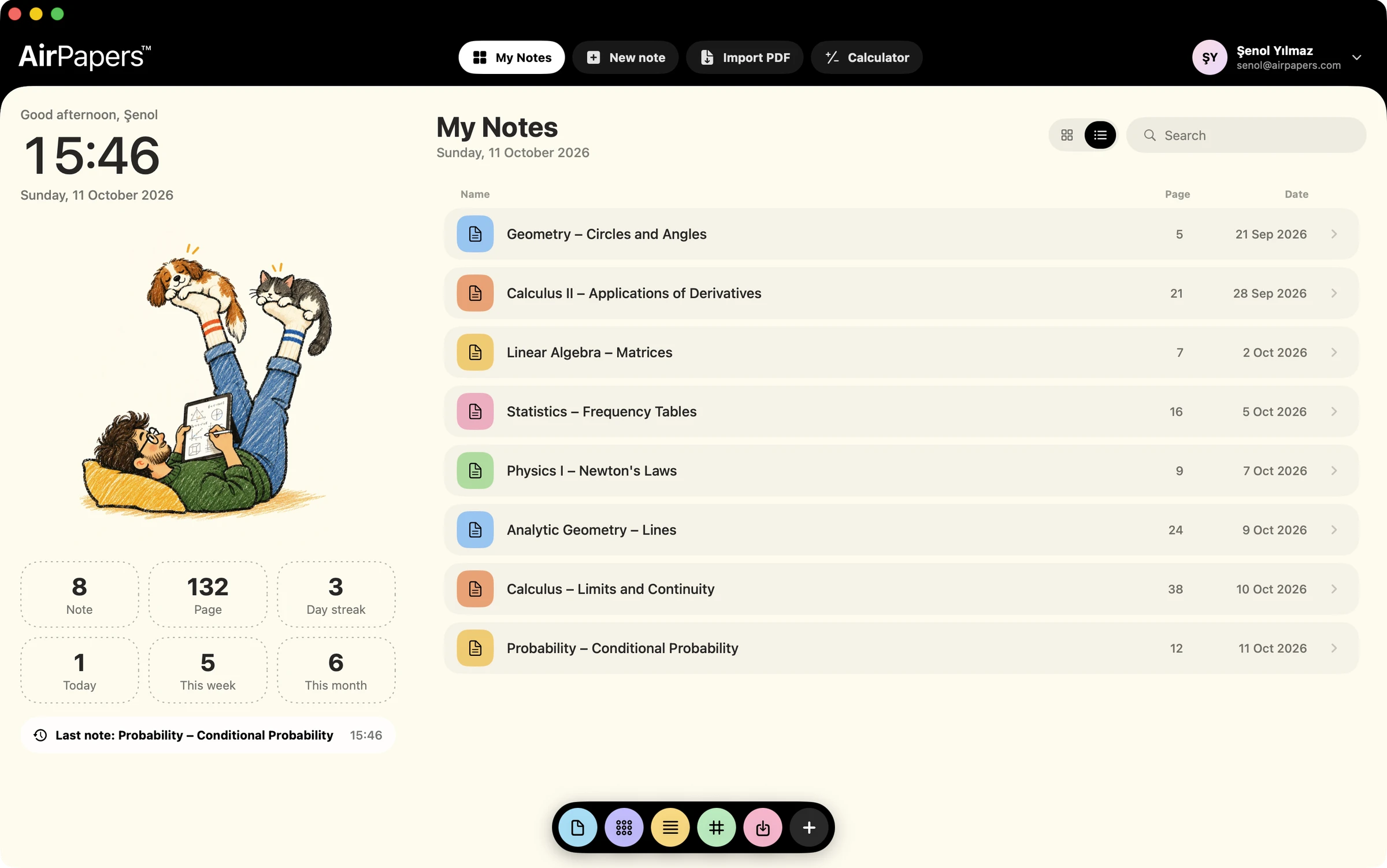
Browse previews, clone or delete pages.

Single page, two pages, continuous scroll, slide and presentation mode.
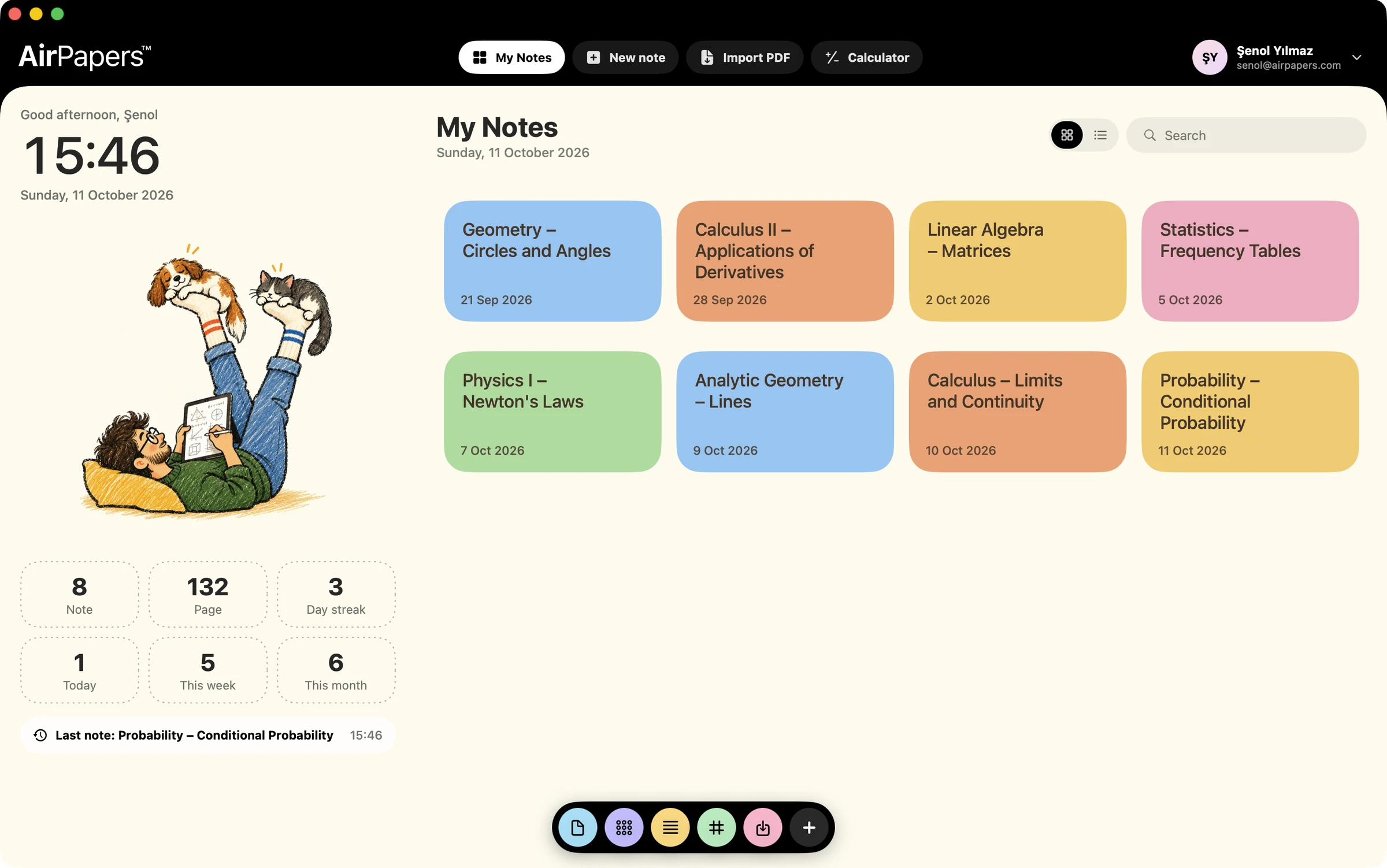

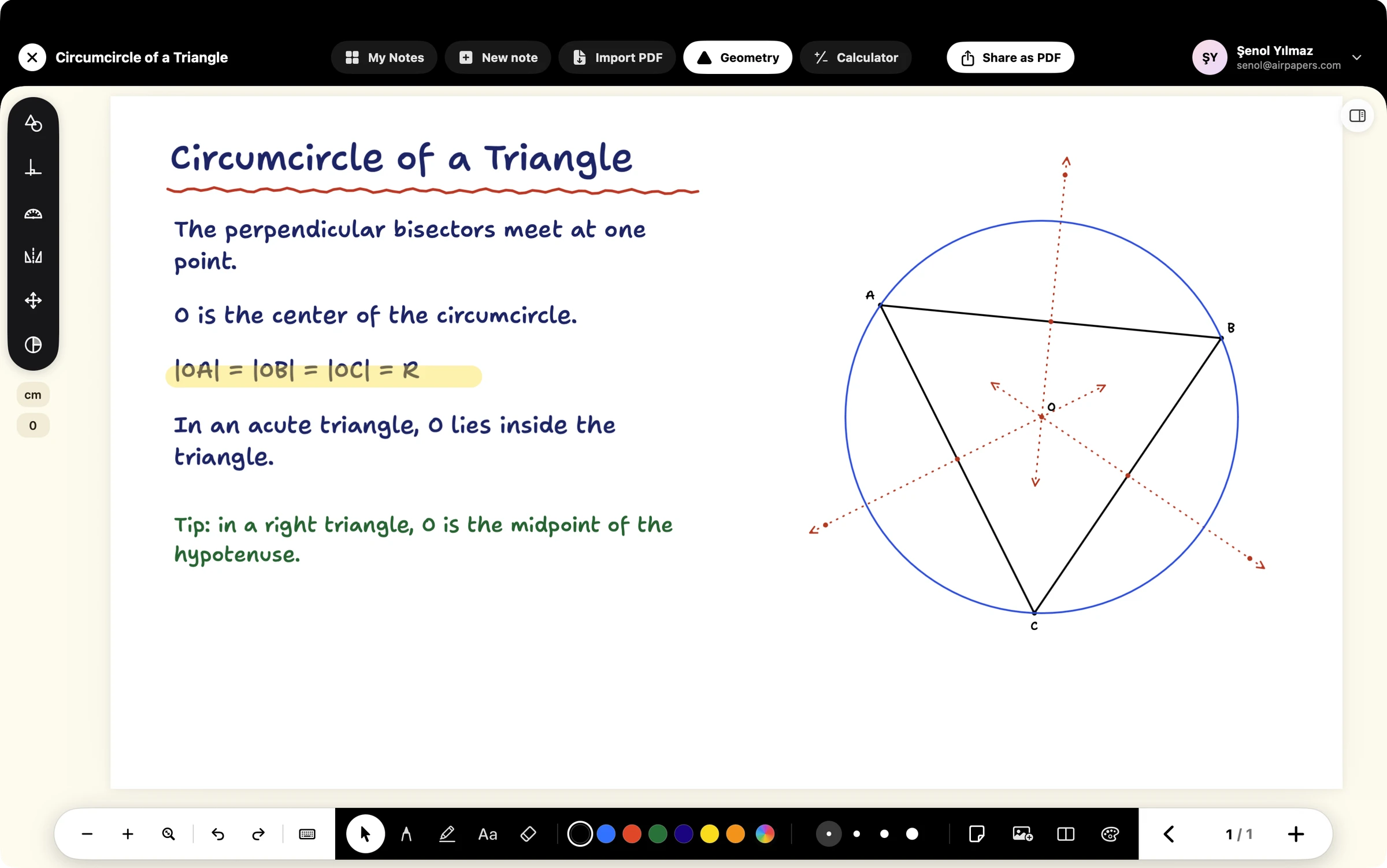
Points, lines, circles, polygons, constructions, measurements and transformations.
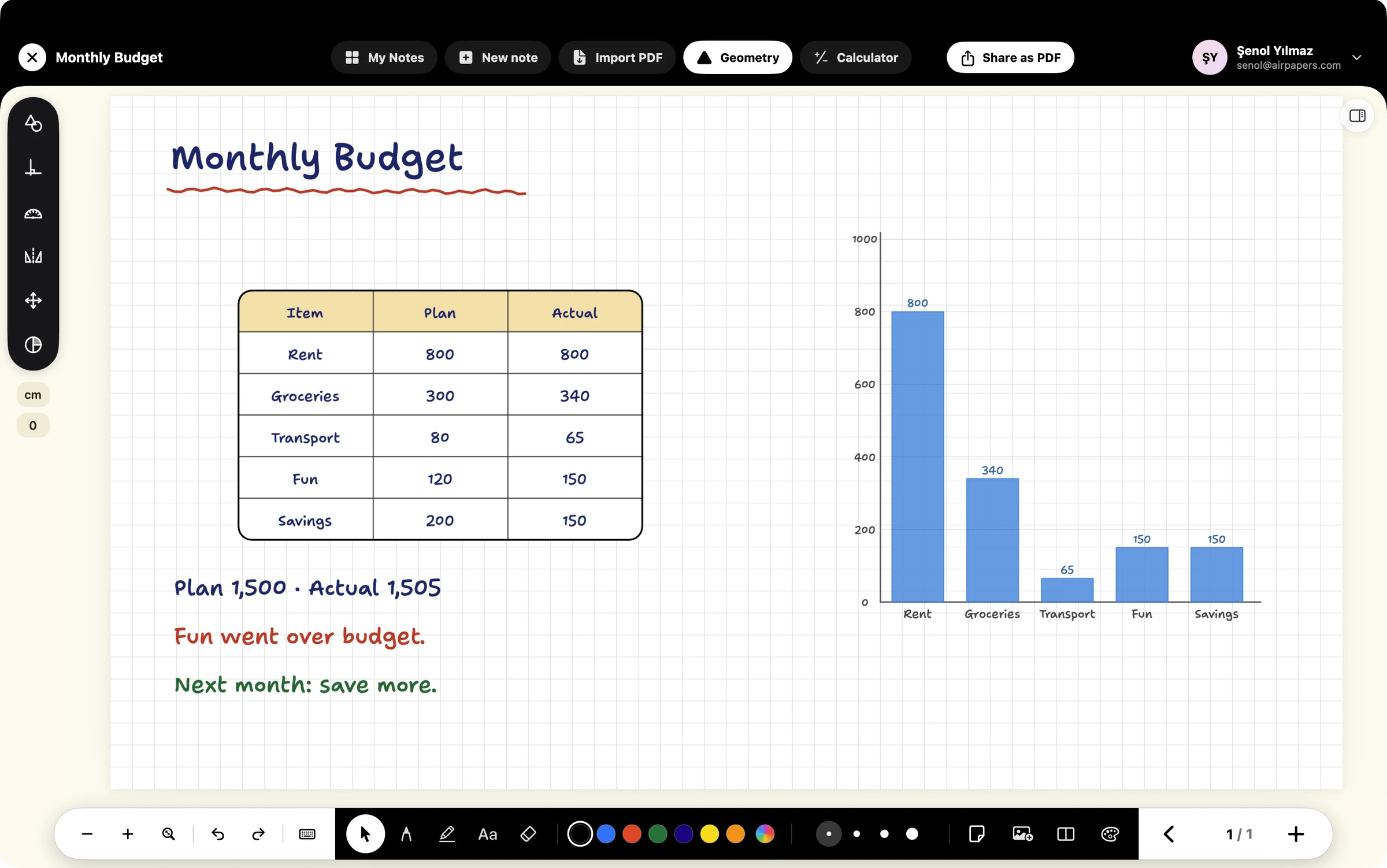
Rounded tables whose text belongs to the table, plus bar and line charts.

Visual models and measuring tools ready on the page.
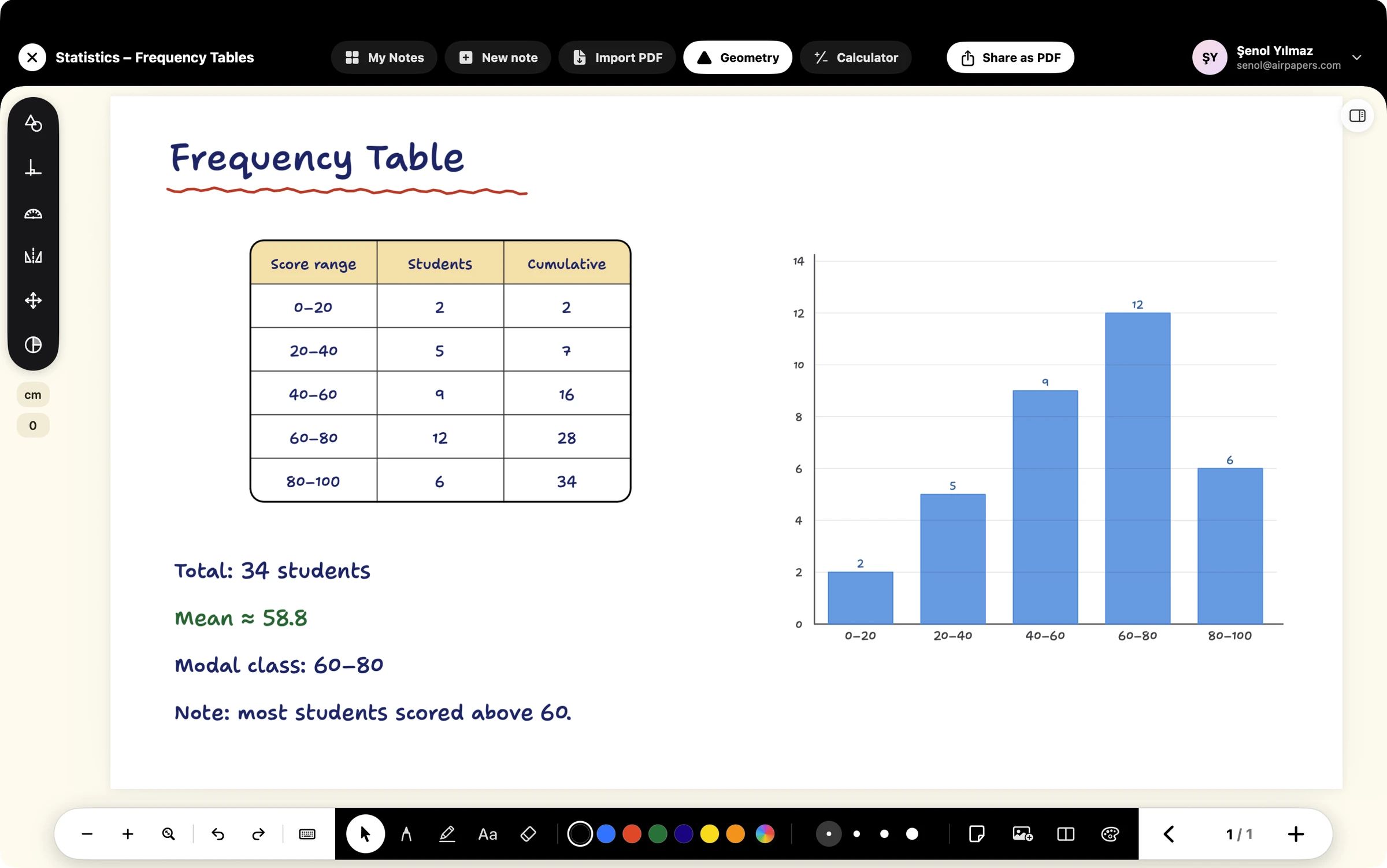
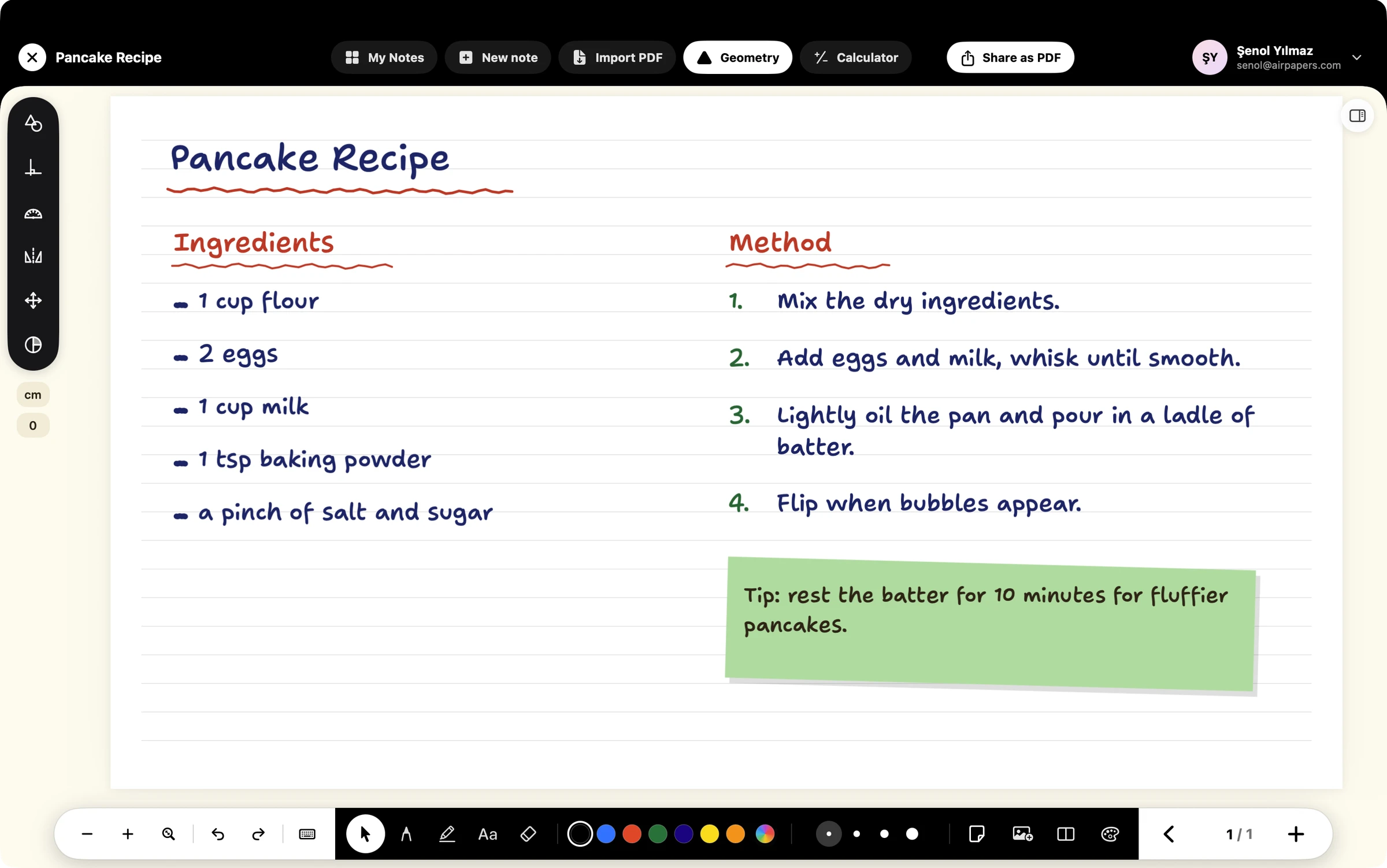
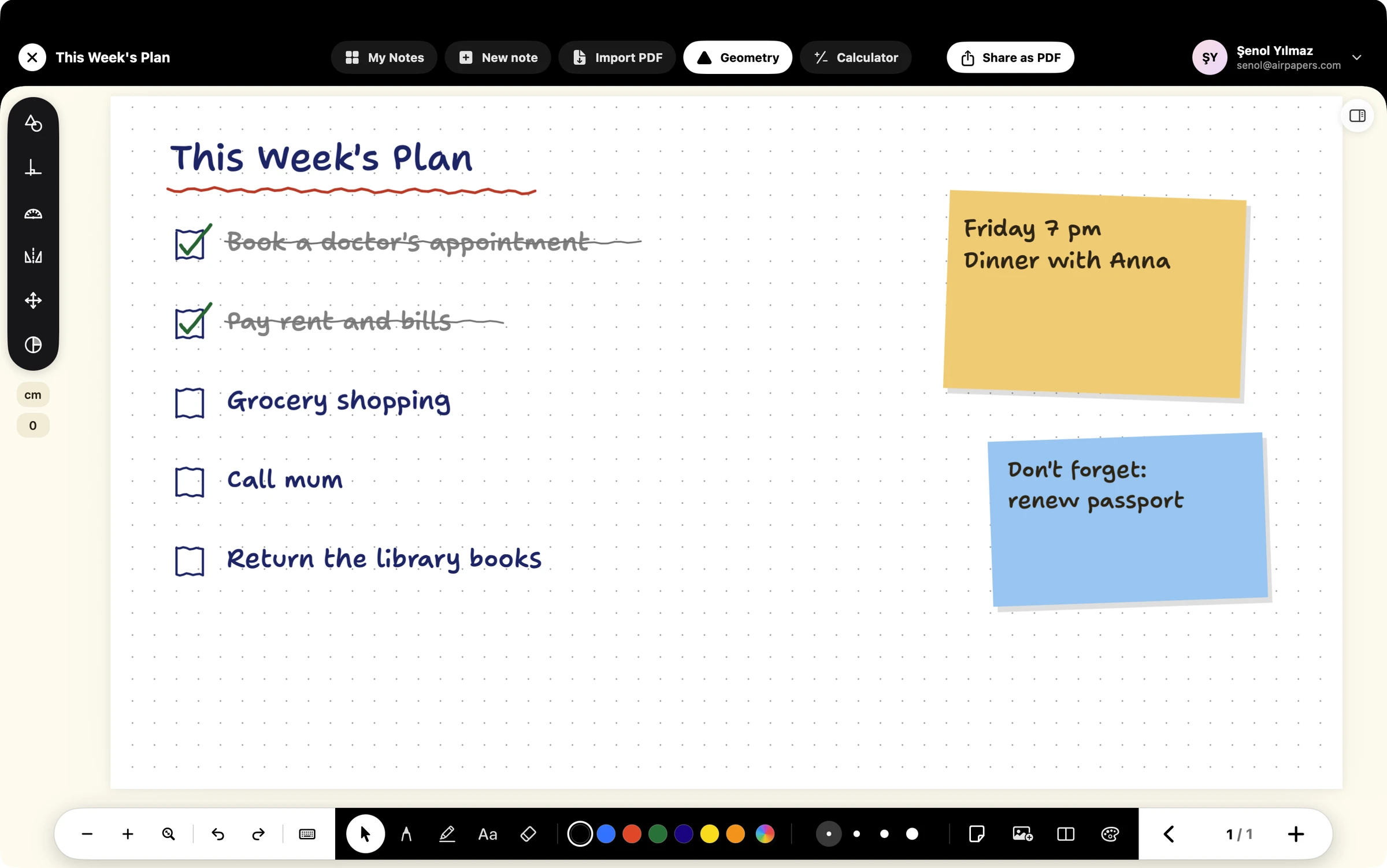
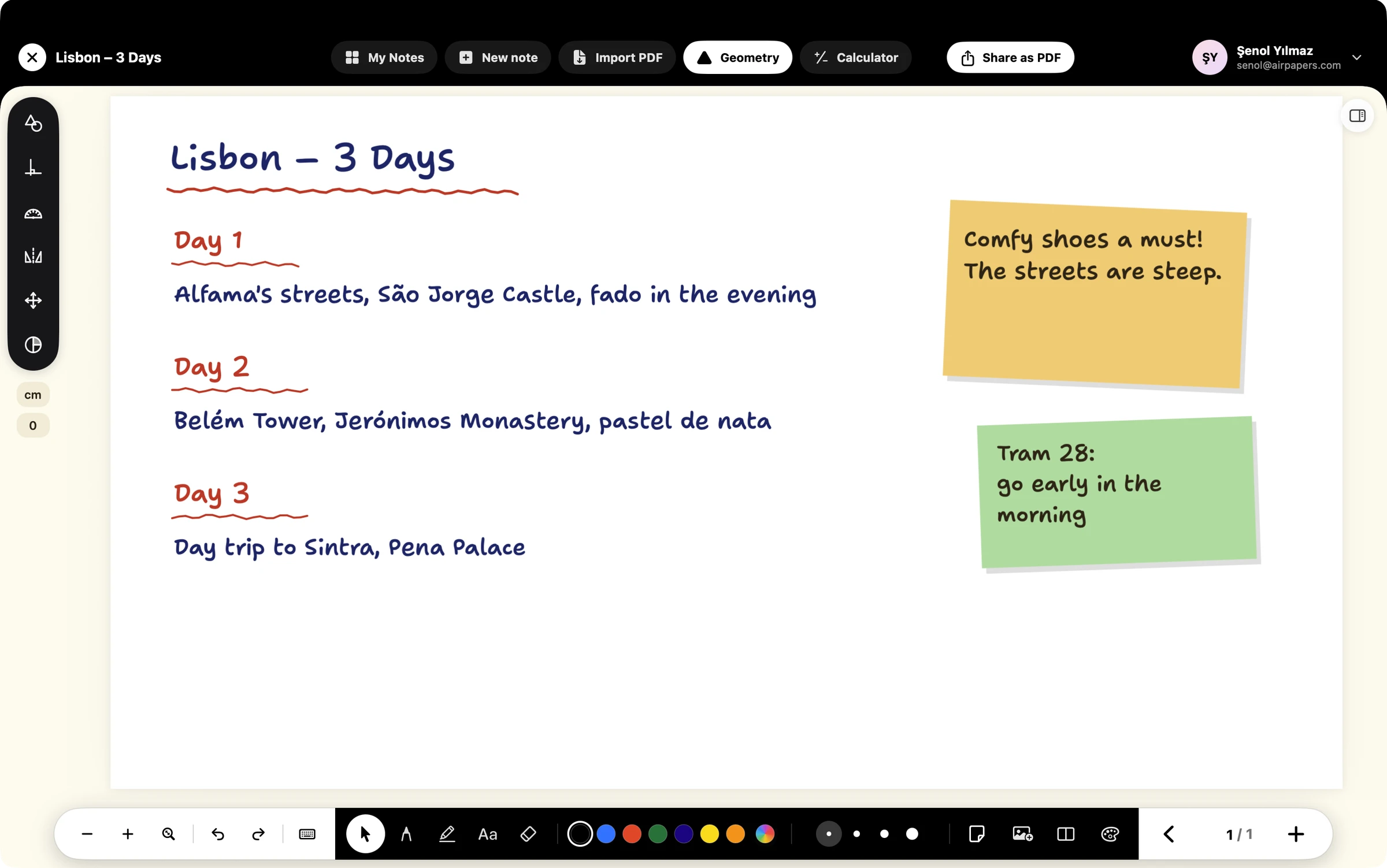
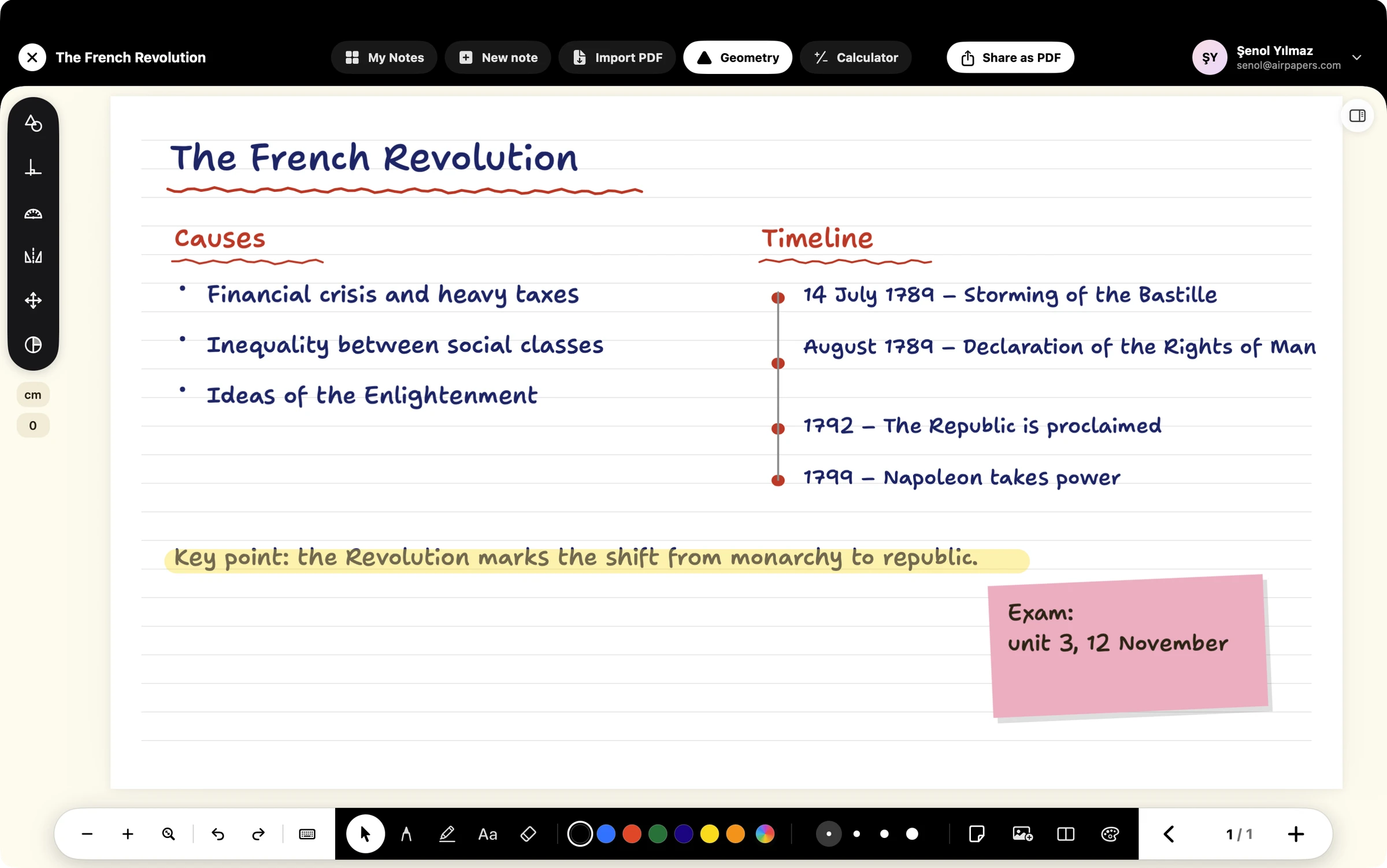
Budget, weekly plan, travel, a recipe or history revision: the same page, the same pen.

Designed for Mac and iPad. Your notes stay on your device.