
Pen and highlighter
Pick colour and thickness in one tap. Hold at the end of a line and it snaps to a straight line, arc or arrow.
 Designed for Mac and iPadNo subscription→
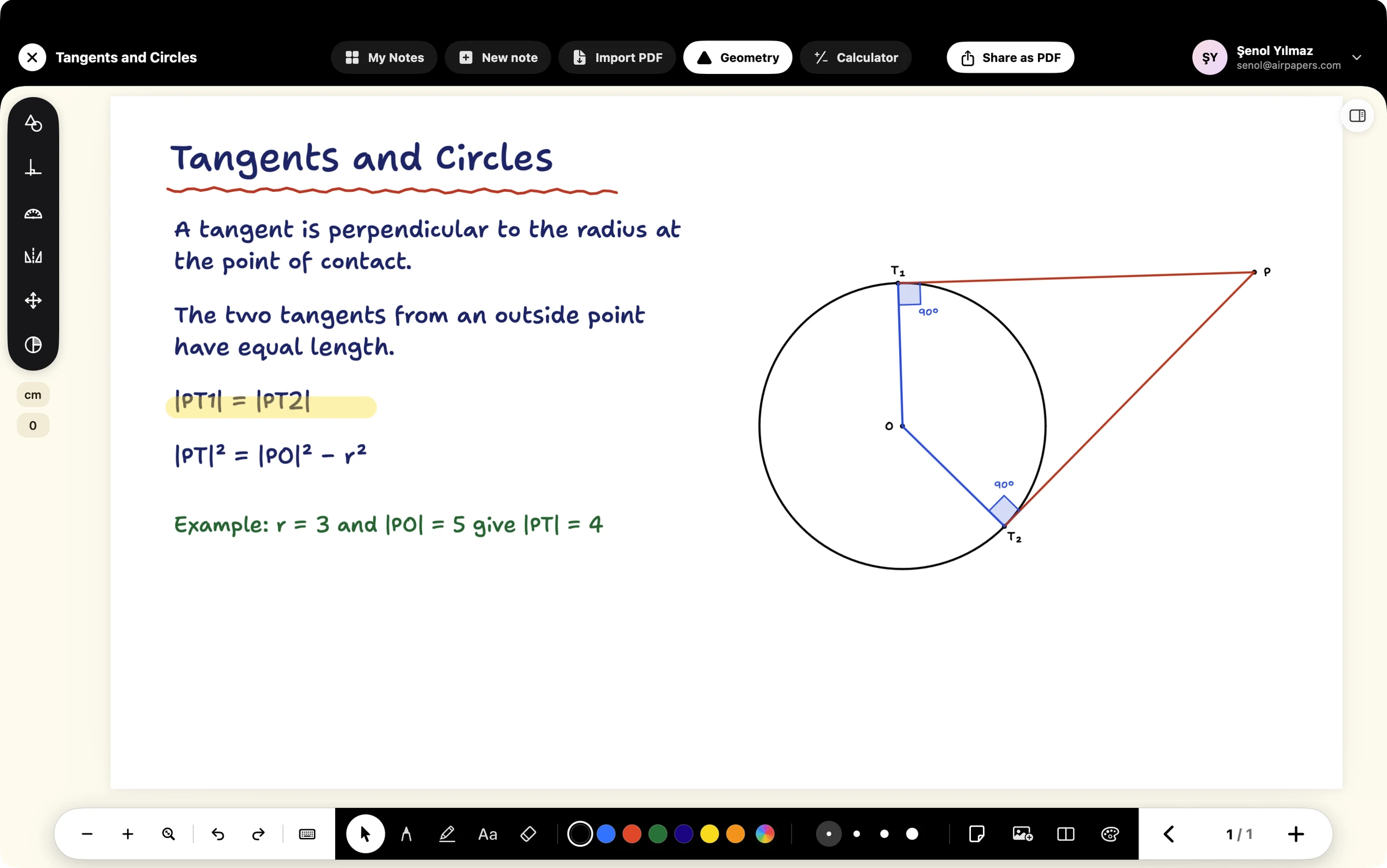
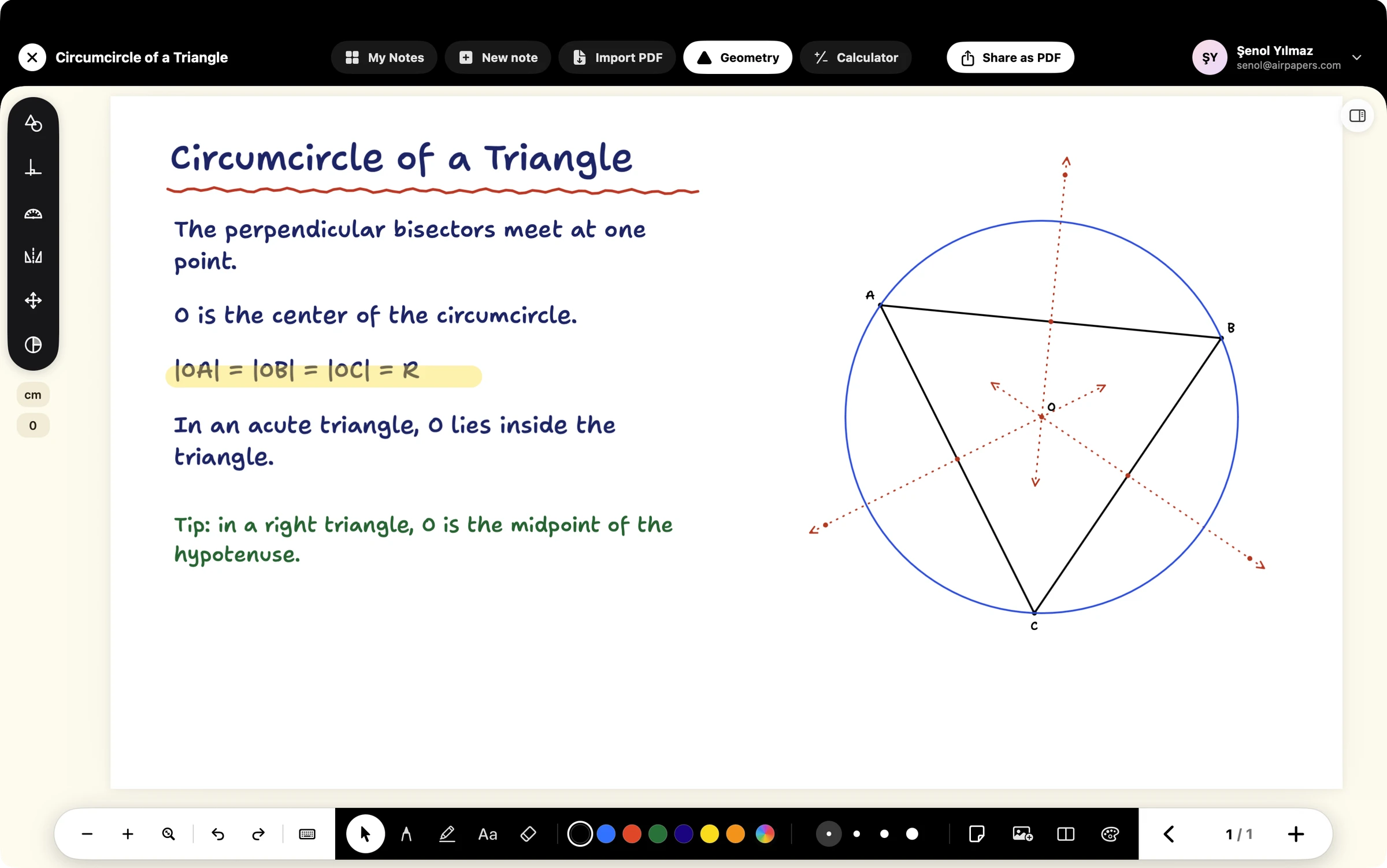
Your notes, PDFs and geometry drawings live on one page; drag a point and angles, lengths and areas update instantly.
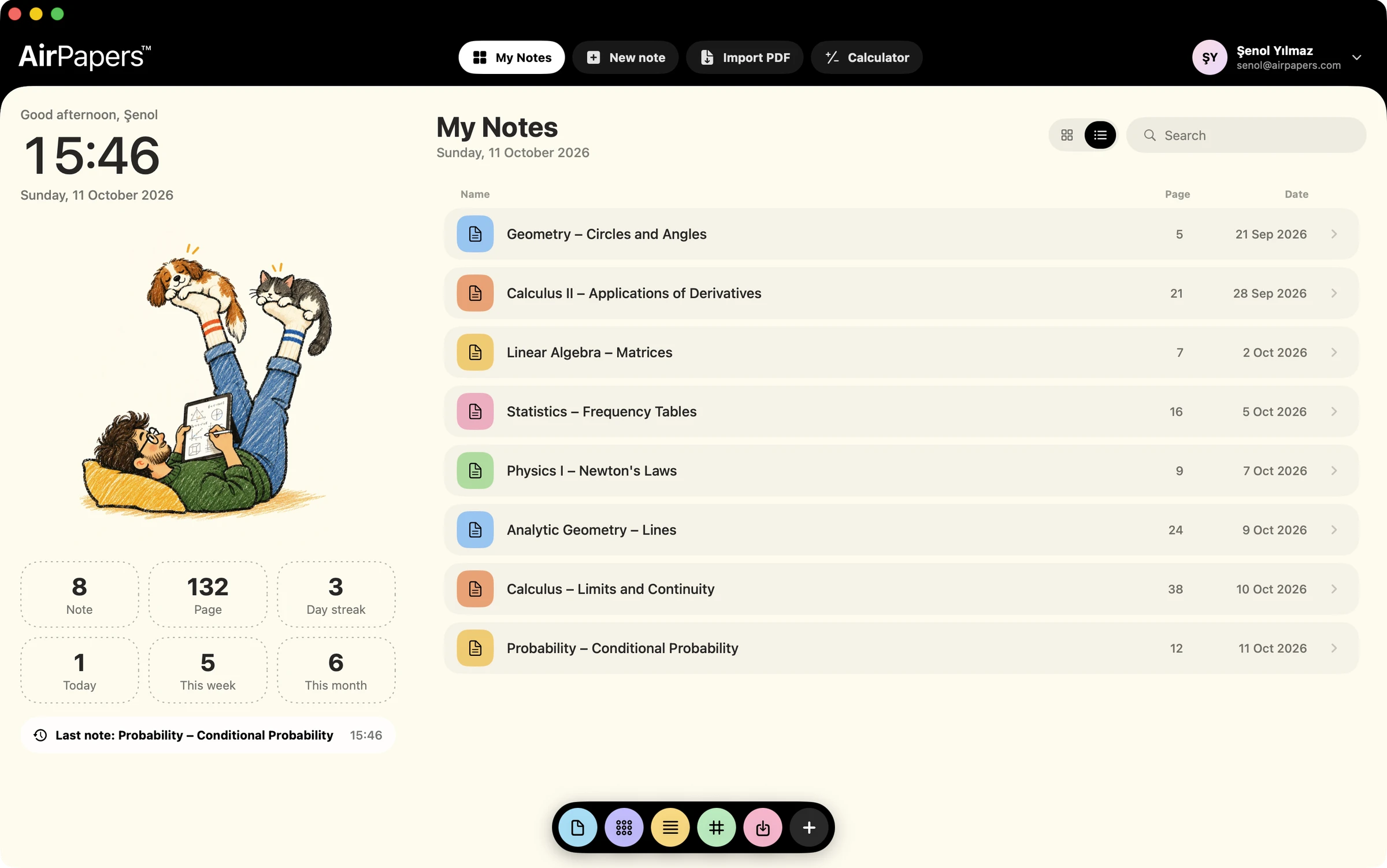
Turn your notes into a living notebook with interactive dynamic geometry tools.
Pick colour and thickness in one tap. Hold at the end of a line and it snaps to a straight line, arc or arrow.
Import a textbook or slides, choose the pages you want and work right on top. The original file never changes.
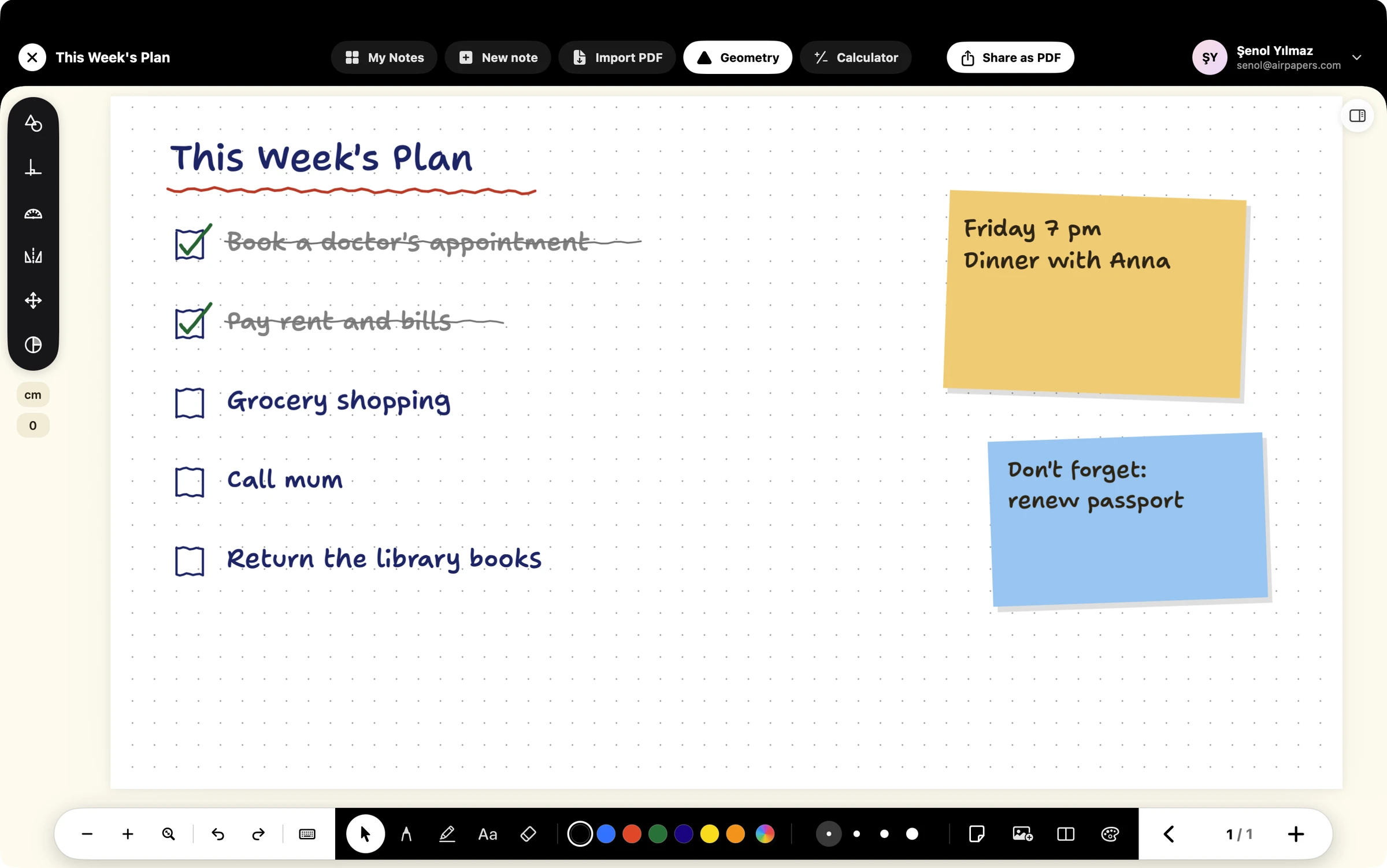
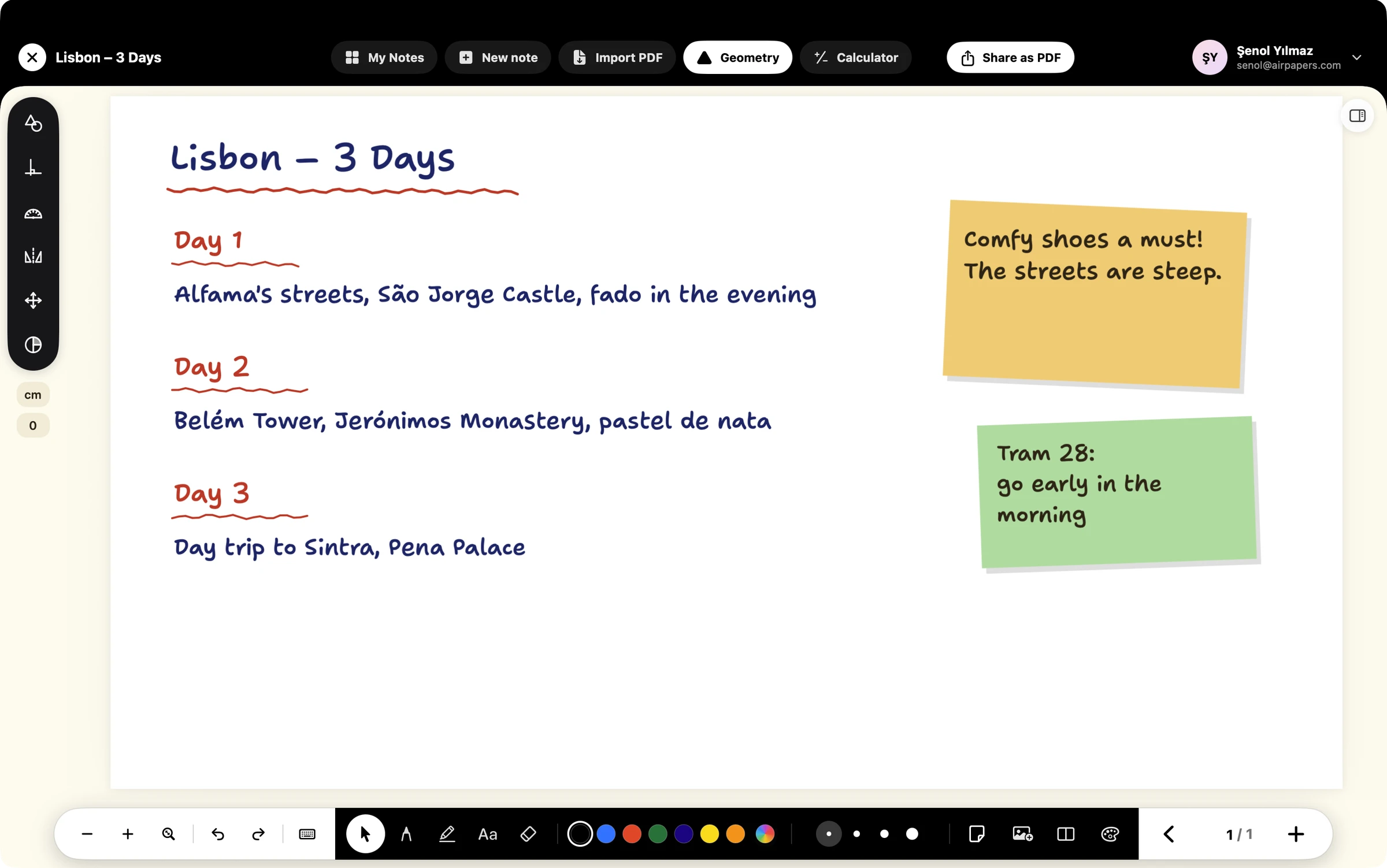
Drop sticky notes in 16 colours, add images and move anything wherever you like on the page.

See notes as tiles or a list, organise them in folders and search.
Explore the library →
Optionally move your library to iCloud Drive; the same notes across Mac and iPad.
Shapes are connected. The drawings below are live: drag the points and angles and measures change instantly.
Budget, weekly plan, travel, a recipe or history revision: the same page, the same pen.
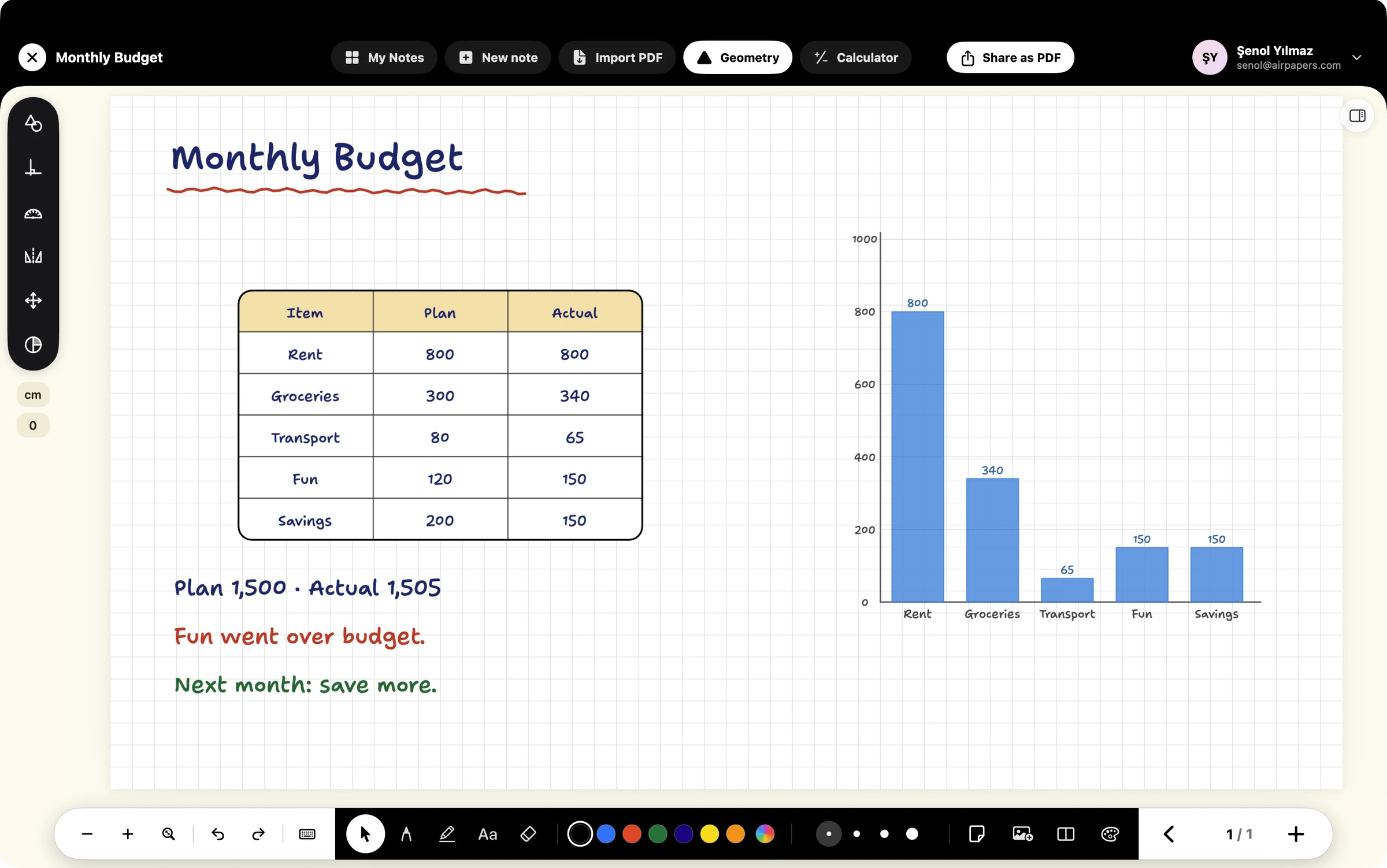
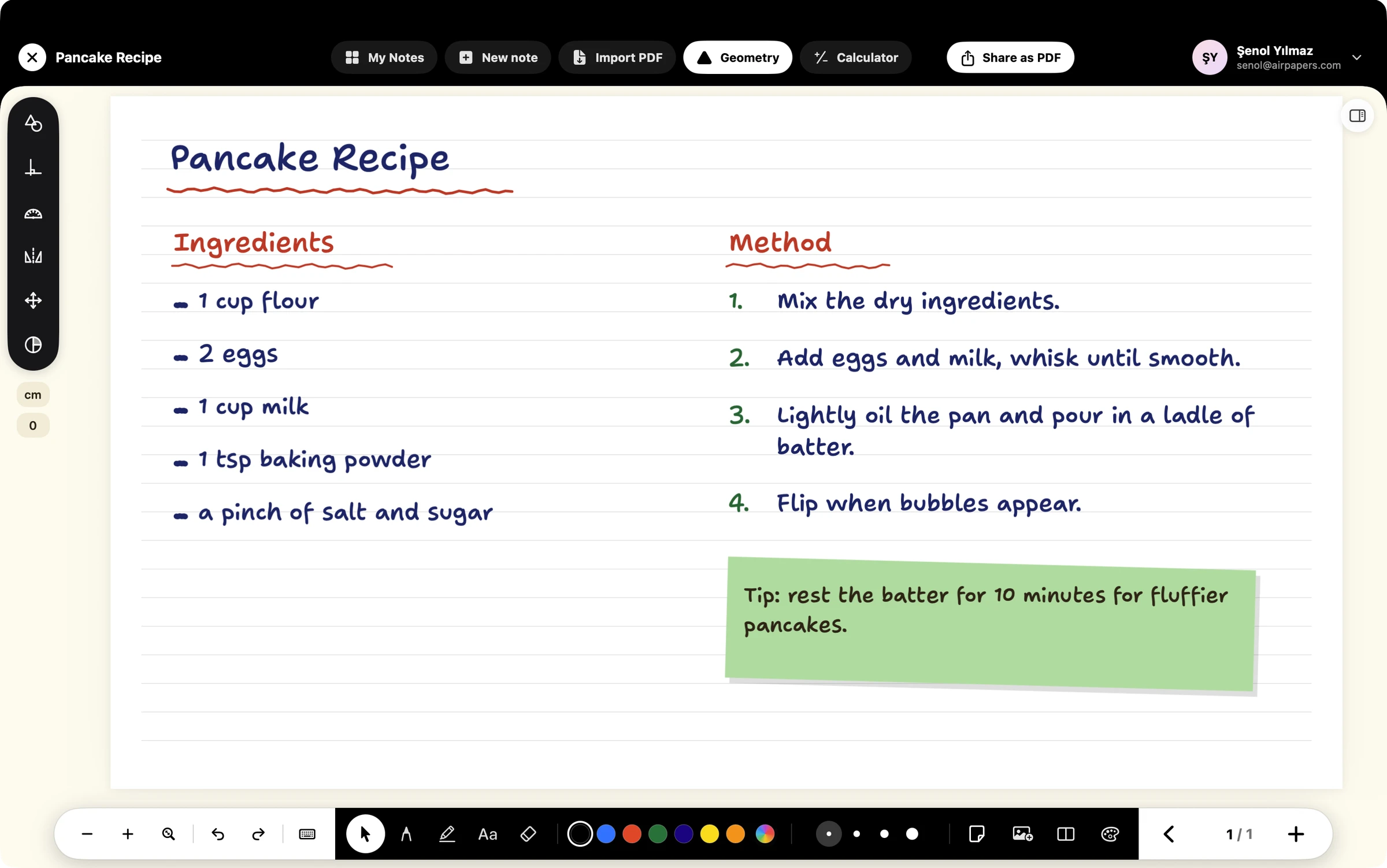
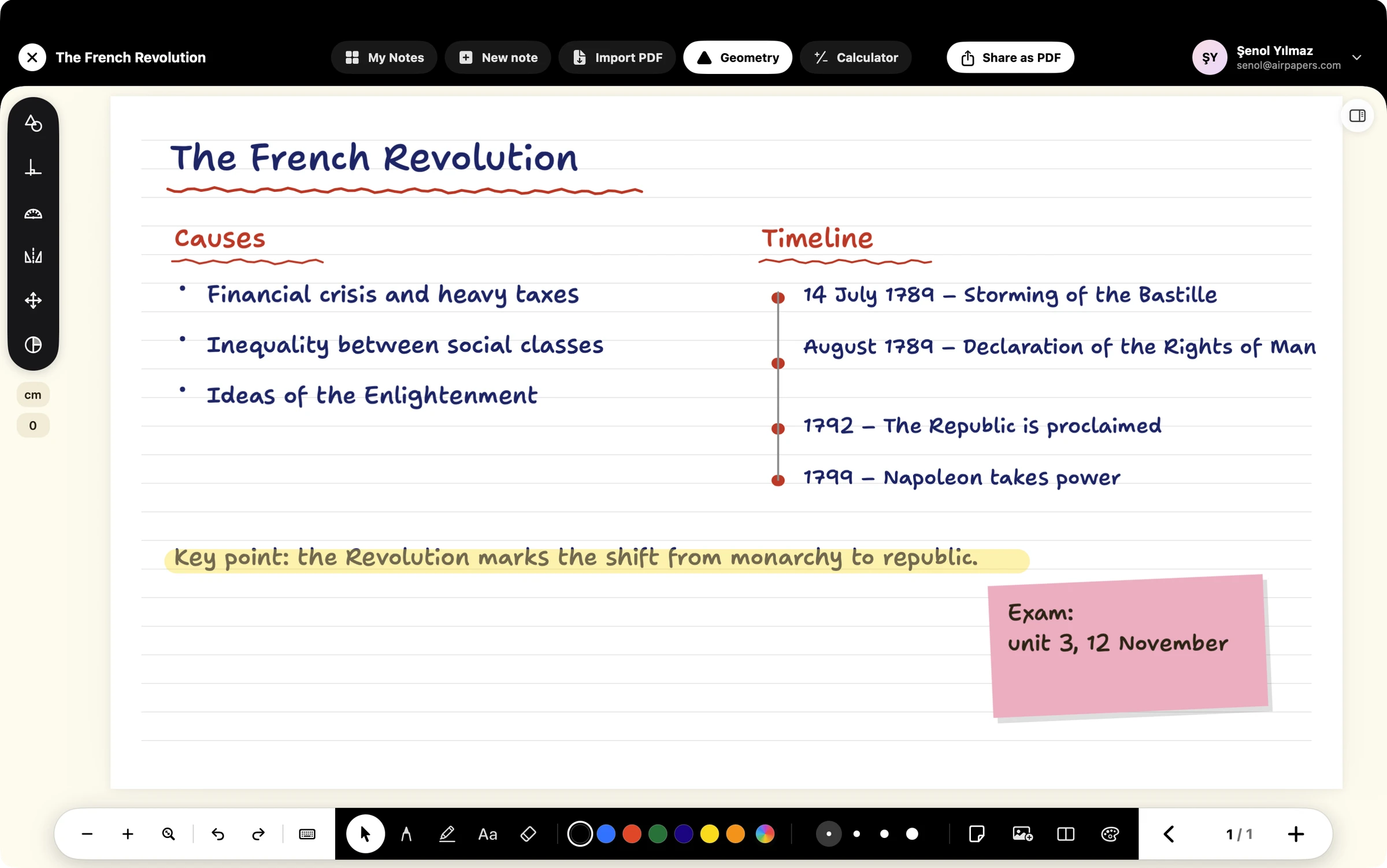
The interface comes in Turkish, English, Spanish, German, French, Dutch and Italian. Pick a language and the screens change instantly.
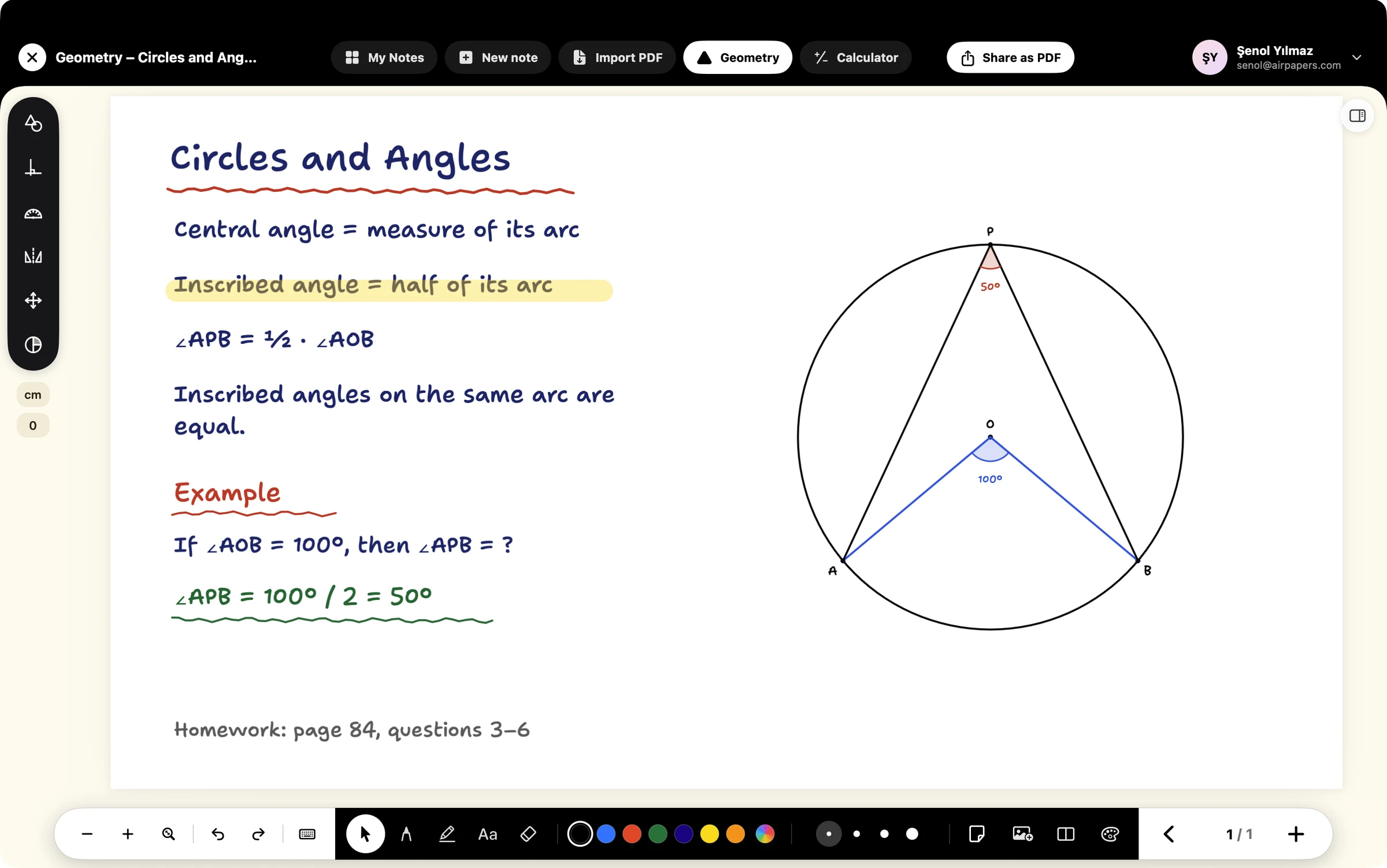
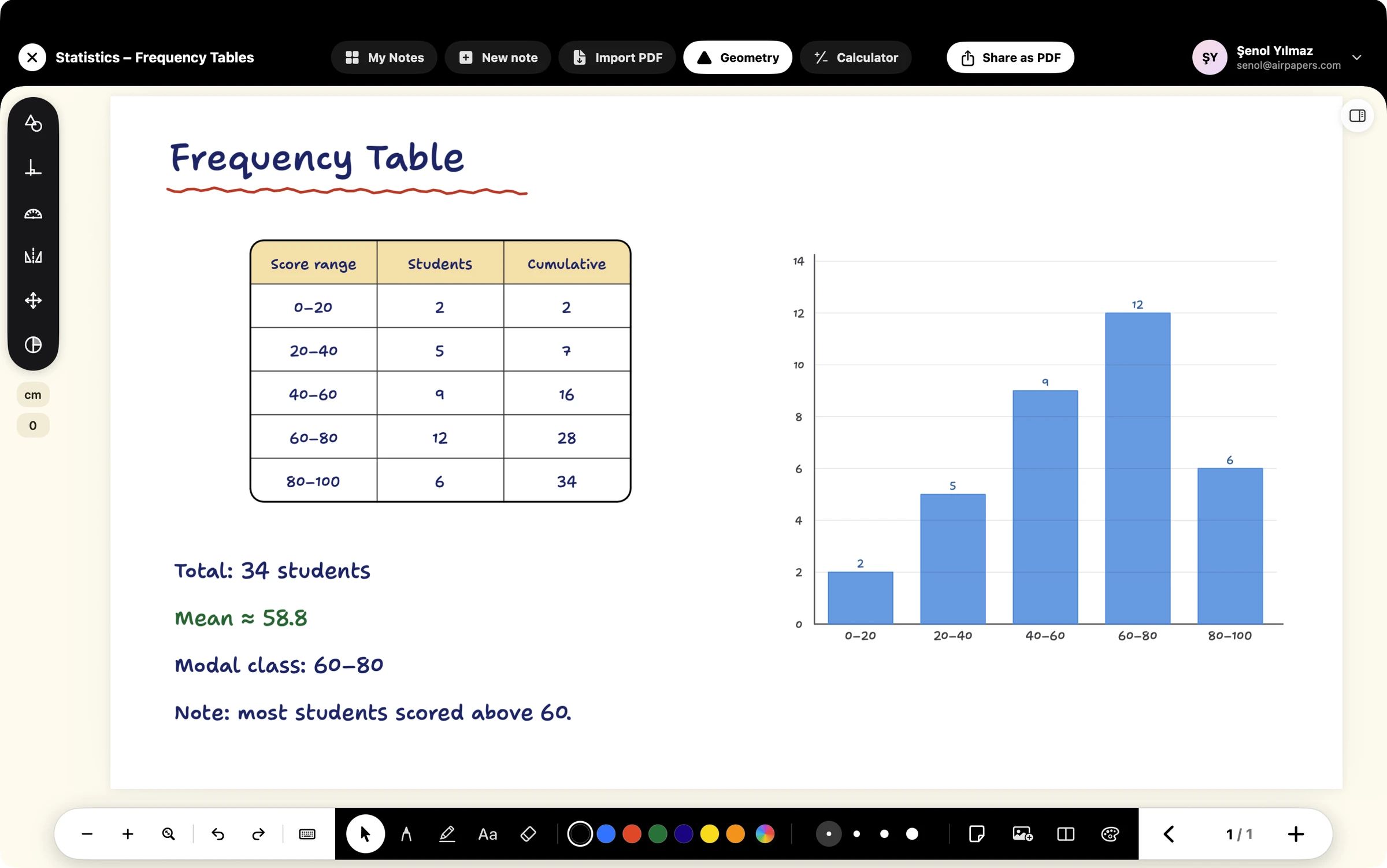
Designed for Mac and iPad. Your notes stay on your device.